How the parameters shape the image
The control reference lists every range; this page is about what the controls do to the picture and why. Each pair below changes one variable and keeps the rest.
Fractal noise in one paragraph
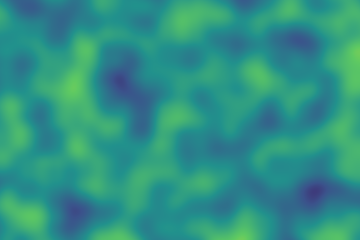
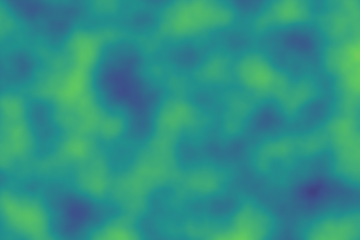
These are the core fractal-Brownian-motion (fBm) controls. fBm builds the image by stacking several layers ("octaves") of the same Perlin noise: each octave is finer (higher frequency) and quieter (lower amplitude) than the one before, and they're summed. So octaves = how many layers stack (more → finer detail); persistence = how loud the finer layers are (high → the fine layers dominate, rough; low → faint, smooth); lacunarity = how much finer each layer is than the last. The pairs below isolate one variable at a time.
Pixels, not units: the low-resolution look
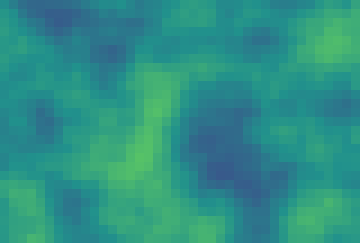
The canvas fills its frame and upscales with nearest-neighbour, so a small Width/Height renders as crisp pixel blocks — a deliberate retro / "Minecraft" look. The render is exactly Width × Height pixels; the display just scales those up. A PNG export always has the native Width × Height.
 |
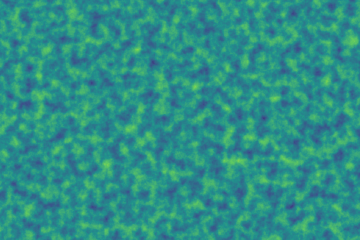 |
| 40×27 → crisp pixel blocks | The same field at full resolution |
Scale: the zoom
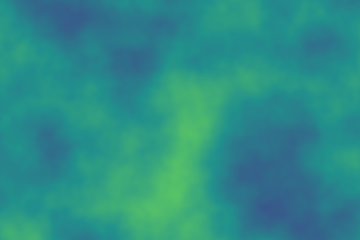
scale x and scale y convert pixels into noise space, so they are the zoom. Different values for x and y stretch the structures (aurora bands, horizontal waves). With Tile X / Y on, the scales also set the tile size in pixels (Tile / scale).
 |
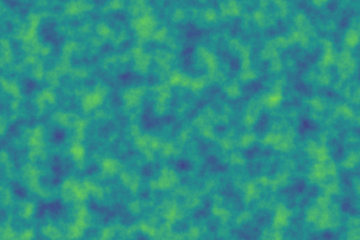 |
| scale 0.008 · coarse, few large features | scale 0.045 · fine, dense detail |
Octaves: how much fine detail
Each octave is one more evaluation of the noise per pixel, at twice the frequency and half the loudness. Cost grows roughly linearly with the count.
 |
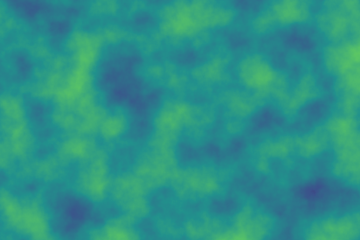 |
| 2 octaves · smooth | 8 octaves · fine detail |
Persistence: smooth or rough
Persistence is the loudness ratio between neighbouring octaves. Low values let the fine layers fade (clouds), high values keep them (terrain, grain).
 |
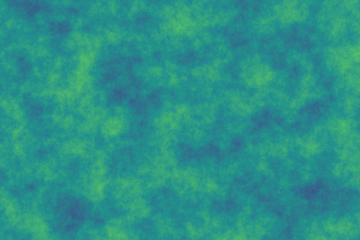 |
| 0.32 · smooth, cloud-like | 0.75 · rough, terrain-like |
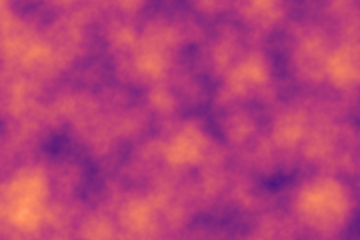
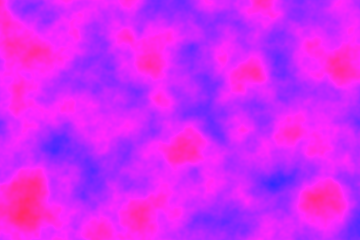
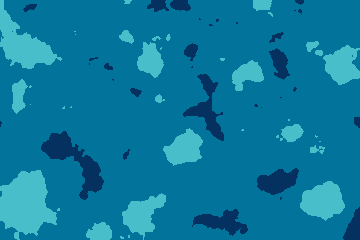
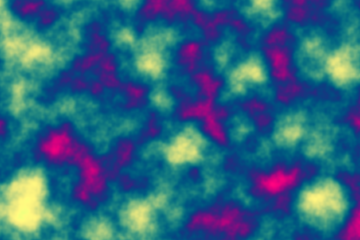
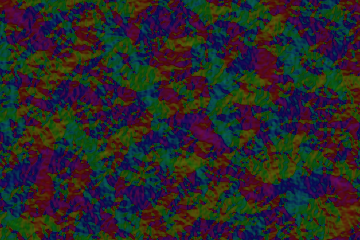
The same noise in six colour modes
The colour mode only changes how the noise value becomes a colour; the field underneath is identical.
 |
 |
 |
 |
 |
 |
| RGB | Gradient | HSV | Posterize | Cosine | Flow |
Warp: from noise to marble
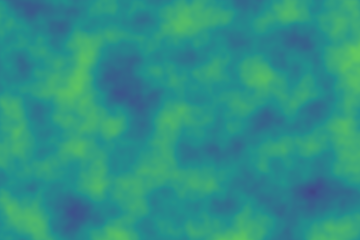
Domain warping pushes each sample point by a second, smoother field before the main noise is read. A small strength gives veins, a large one swirls.
 |
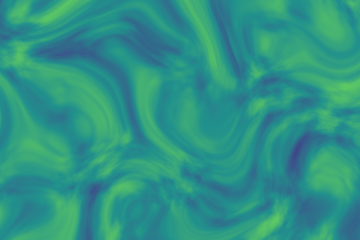 |
| strength 0 · raw noise | strength 1.8 · marble swirls |
Noise types: smooth noise or cells
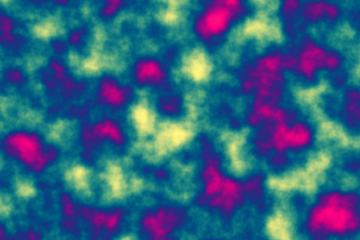
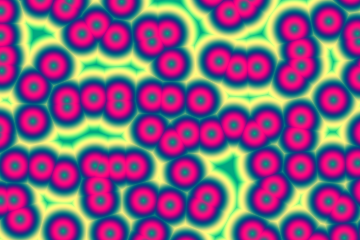
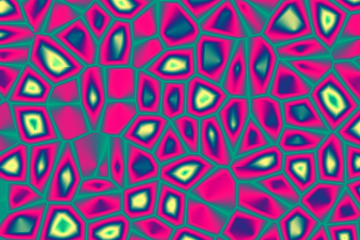
Perlin noise is smooth; the cellular types are built from a jittered grid of points and the distance to them. The three pictures on the right share one colour mode and one seed with the Perlin picture on the left; the cellular ones use a single octave, which is what keeps the cells clean.
 |
 |
 |
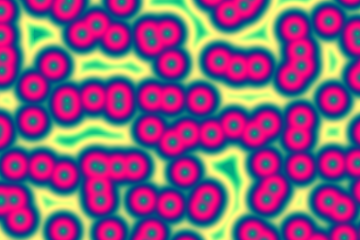 |
| Perlin · 5 octaves | Cells · 1 octave | Borders · 1 octave | Smooth cells · 1 octave |
With more octaves the fine layers turn cells into grain, so the control hint says 1–2. Every other control (scale, seed, warp, tiling, layer 2, the loop) works the same as for Perlin.
Relief lighting: a flat colour becomes a surface
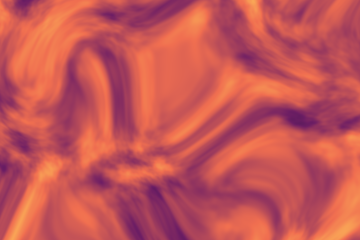
Relief lighting reads the noise as a height field and lights it from a direction. Flat areas keep their colour; slopes facing the light brighten and slopes facing away darken. Left: the warped field as a flat colour; right: the same field with relief lighting on.
 |
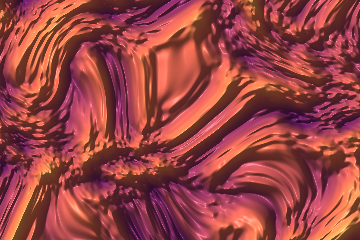 |
| relief off | relief 4 · light from the top-left, 45° |
Where to go next
- Every range and default: Control reference.
- How the maths is built: Architecture.
- A look to start from: Get a specific look.